Complete Step-by-Step Guide: How to Restrict, Manage, and Unrestrict on Instagram
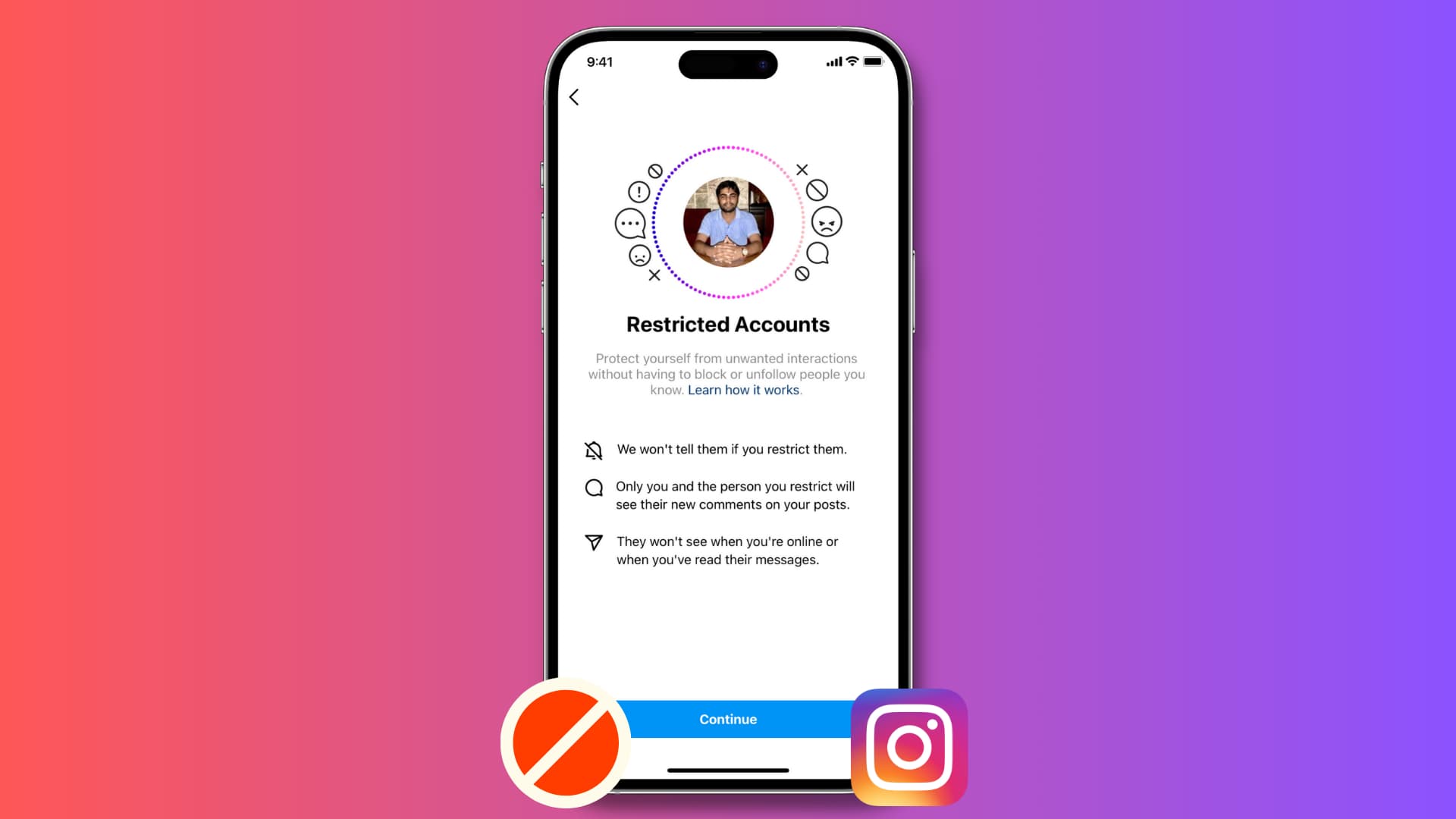
Blocking an acquaintance, coworker, or aggressive commenter often escalates offline friction into outright conflict. To solve that social hazard, Meta introduced profile restriction as an under-the-radar alternative within its broader suite of anti-bullying safety tools. Recent privacy analyses, including an AddictiveTips Report on Instagram story and profile visibility, highlight how nuanced audience controls now replace the blunt hammer of full account bans.
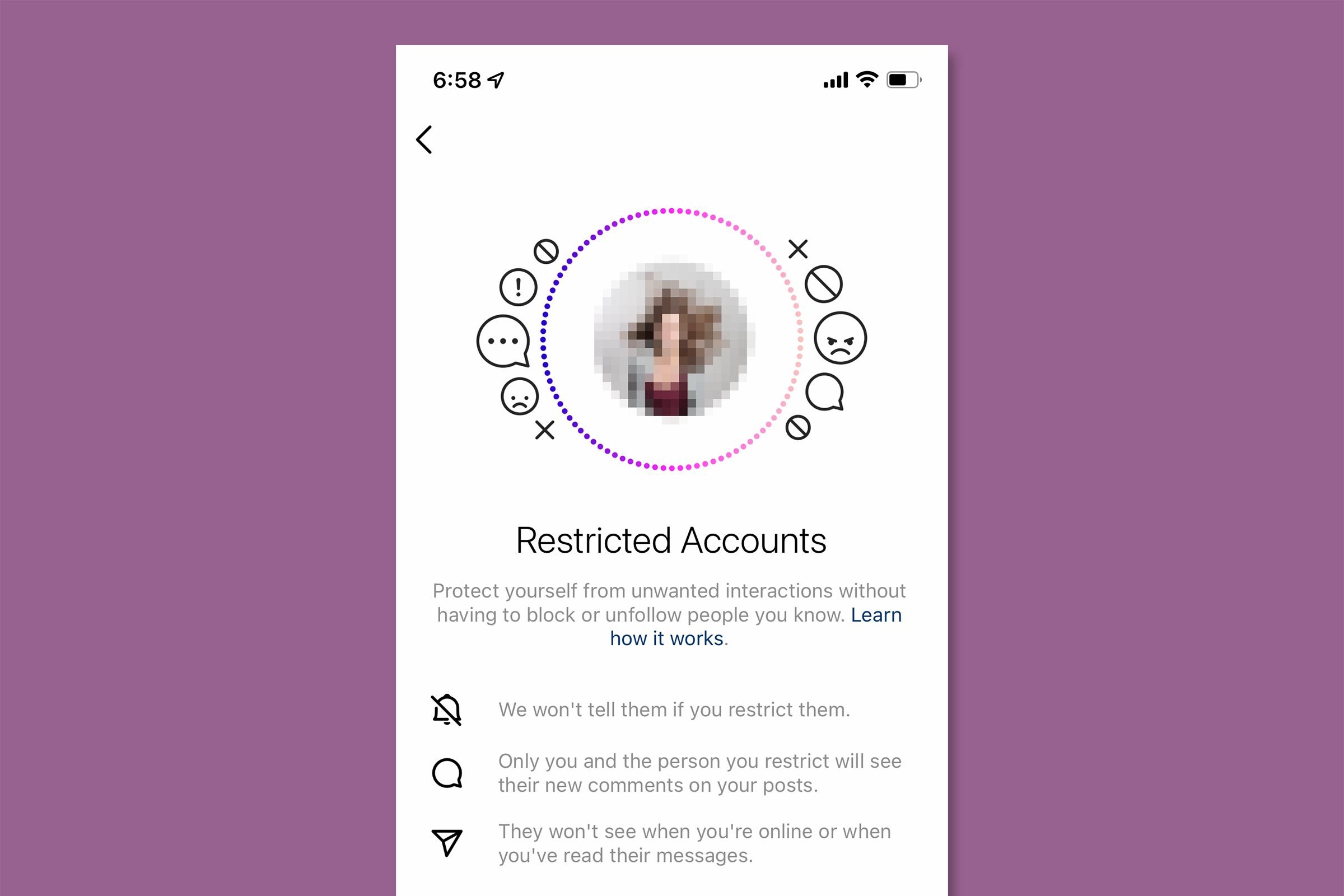
Restricting an account establishes a digital one-way mirror. The targeted user believes their interaction with your profile remains intact, yet Instagram silently suppresses their incoming comments, isolates their direct messages, and cuts off visibility metrics like your active status and read receipts. Understanding how this silent moderation layer works lets you regain control over your feed without triggering awkward real-life confrontations.
📌 Key Takeaways:
- Comment Approval Visibility: Comments from restricted users appear only to them; the public cannot see them unless you manually approve each remark.
- Read Receipt Suppression: Direct messages bypass your main inbox and sit in message requests, hiding both active status visibility and read confirmations.
- Zero Notification Alerts: The targeted account receives no alert that they have been restricted, keeping the enforcement invisible.
How Restricting Changes Your Direct Messages and Active Status
When you restrict an account, Instagram immediately relocates your direct message history with that person out of the primary and general tabs. Incoming messages bypass standard notifications entirely and land inside the Message Requests folder.
This routing triggers automatic read receipt suppression. You can open, read, and review the incoming message at your convenience without the sender ever seeing a "Seen" label beneath their text. In tandem, Instagram cuts off active status visibility between both parties. Even if you are browsing reels or chatting with friends, the green activity dot and recent timestamp markers vanish from their view.
Group chats introduce one specific caveat. If you enter a group direct message containing a restricted user, Instagram prompts you with an alert warning that someone on your restricted list is present. Inside the group thread, you will see their messages, and they will see yours, because restrictions only fully isolate one-on-one communication channels.
Comment Approval Visibility: The Shadowban You Control
Public feed comments are often where micro-aggressions and persistent harassment happen. Restricting an account handles this problem through comment approval visibility controls that mimic a private shadowban.
Whenever a restricted account leaves a comment on your posts or reels, the comment is displayed normally on their screen. They remain entirely unaware that anything has changed. For every other visitor on your profile, the comment does not exist.
On your end, the comment sits beneath a collapsible marker labeled "Restricted comment." Instagram provides three distinct actions for handling it:
- Approve: Makes the comment visible to the public.
- Delete: Erases the comment without notifying the user.
- Ignore: Leaves the comment in limbo where only the sender sees it.
This mechanism neutralizes trolls by wasting their effort while stripping away the public audience they seek to antagonize.
Can Restricted Users See Stories, Reels, and Profile Posts?
A frequent point of confusion concerns content access: can restricted users see stories, permanent feed posts, and shared reels? The short answer is yes.
Restricting an account is not an account blockage. If your profile is public, or if the restricted user already follows your private account, they can still view your daily grid, scroll through reels, and watch your standard Instagram stories. They can also view your follower count and bio information without interruption.
If your objective involves preventing someone from watching your daily updates, you must deploy secondary Instagram privacy controls. Navigating to Settings > Story > Hide Story From enables you to manually exclude specific profiles from viewing your 24-hour uploads. Restricting alone targets engagement, not content consumption.
Restrict vs Block vs Mute: The Interaction Matrix
Instagram provides three distinct tiers of user separation: mute, restrict, and block. Choosing the correct mechanism depends on whether your priority is mental quiet, social discretion, or complete severance.
| Feature | Mute | Restrict | Block |
|---|---|---|---|
| Content Visibility | They see your posts; you hide theirs | They see your posts and stories | Profile appears deleted to them |
| Direct Messages | Delivered normally to main inbox | Rerouted to Message Requests | Chat channel closed entirely |
| Public Comments | Visible to everyone | Visible only to sender unless approved | Cannot view posts or leave comments |
| Target Alerted? | No | No | Easily deduced via search |
As documented in comprehensive account-management reports published by outlets like Security.org and Cloudwards, blocking completely unlinks both accounts, forces mutual unfollows, and erases past message history. Restricting keeps the social graph intact while silencing unwanted behavior.
How to Restrict and Manage Profiles on iOS and Android
Activating these restrictions takes seconds across any mobile operating system or web browser. You can enforce restriction using three separate paths:
- Through Profile Pages: Navigate to the person's account, tap the three dots in the upper-right corner, select **Restrict**, and confirm your choice.
- Through Direct Messages: Open your direct message thread, tap their username at the top of the chat, scroll down through profile interaction settings, and choose **Restrict [Username]**.
- Directly from Comments: On iOS, swipe left across an unwanted comment and tap the exclamation mark icon, then select **Restrict**. On Android, tap and hold the comment, hit the alert icon in the top toolbar, and apply the setting.
Once applied, notification alerts from this user cease completely. You will receive no push banners or lock-screen reminders when they comment, message, or tag you in photos.
Managing and Reversing: How to Unrestrict Someone
If tensions ease or a working relationship stabilizes, reversing the restriction process is entirely frictionless. The other user receives zero notifications when restrictions are lifted.
To unrestrict an account via central privacy controls:
- Open your Instagram profile and tap the three-line hamburger menu in the top right.
- Navigate to **Settings and privacy > Restricted accounts**.
- Tap **Continue** through the information screen.
- Scroll through your list of restricted profiles and tap **Unrestrict** next to their username.
Alternatively, you can visit their profile directly, tap the three dots in the upper-right corner, and select Unrestrict. Once reversed, incoming messages return directly to your primary inbox, comments publish publicly without manual approval, and standard read receipts resume.
Frequently Asked Questions (FAQ)
Q1: Can a restricted person tell that they have been restricted?
A1: Instagram never sends an alert or notification. However, an observant user can deduce their status by posting a comment on your profile and checking from a secondary account to see if the comment appears publicly, or by noting that you never trigger a "Seen" label on direct messages.
Q2: Does restricting someone remove them from your followers?
A2: No. Restricting does not alter follower status. They remain in your followers list, you remain in theirs, and neither account unfollows the other.
Q3: Can a restricted account mention or tag me in photos?
A3: Restricted accounts can still tag or mention your handle by default, though Instagram suppresses notifications for these actions. You can further limit tags entirely by adjusting your tag permissions inside Settings > How others can interact with you > Tags and mentions.
Strategic Privacy Management for Modern Social Networks
Managing personal boundaries online no longer requires explosive social fallout. The traditional block button remains necessary for outright stalking, severe abuse, or complete disengagement. Yet for the vast middle ground of irritating acquaintances, invasive family members, or persistent commenters, restricting provides an ideal buffer.
By taking control over comment approval visibility and routing incoming conversations into read-receipt-free message requests, you protect your mental space while preserving external social peace. Used in tandem with story exclusions and silent mute features, profile restriction represents one of Meta's most functional tools for maintaining individual autonomy across modern digital networks.
