Why Google Photos Is Suddenly Pushing CapCut as Its Go-To Mobile Video Editor
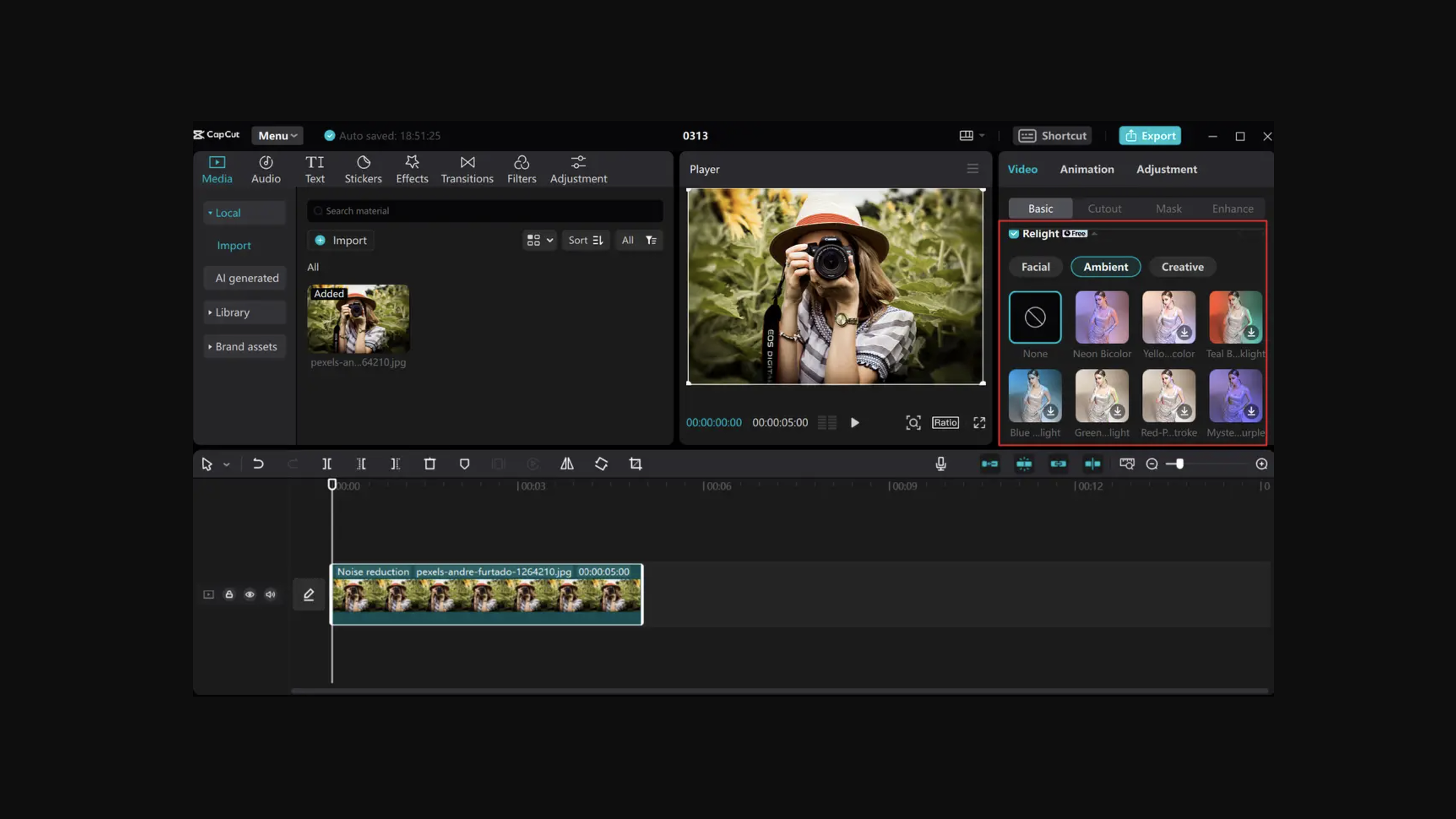
Android users opening their media gallery to trim a quick clip this summer were met with an unexpected sales pitch. Instead of routing clips through its homegrown tools, Google Photos began serving prominent prompts urging users to download and launch ByteDance's flagship editing software. As detailed in a recent PhoneArena Report, the platform has begun leaning heavily into an external service owned by the very tech giant it spent years competing against across video distribution.
The sudden push is neither an isolated glitch nor an accidental marketing test. Field reports from outlets like Android Authority and Android Headlines confirm that Google is running widespread interface experiments across Android, turning basic editing menus into direct acquisition funnels for the capcut video editor app. The move marks a sharp turn in Google’s platform strategy: conceding core video-assembly mechanics to third-party specialists while refocusing Android's native systems on underlying generative AI and raw cloud infrastructure.
📌 Key Takeaways:
- The Direct Rollout: Google Photos on Android now serves dedicated banners prompting users to install or open ByteDance's CapCut when attempting complex video edits.
- The Gemini Connection: The partnership extends beyond gallery prompts; Google is actively integrating CapCut editing hooks into the standalone Gemini mobile assistant.
- Strategic Concession: Rather than engineering a desktop-grade timeline within Android, Google is treating CapCut as the de facto creative canvas for short-form video creation.
The Subtle Shift Inside Google Photos’ Export Screen
For years, the Google Photos editing interface remained deliberately spartan. Users could trim heads and tails, apply basic stabilization algorithms, adjust exposure curves, or export individual frames. When users demanded multi-track splicing, automated captioning, or trending beat-matching templates, Google’s native suite stalled.
In July 2026, users testing current Google Photos builds encountered an explicit pop-up when tapping advanced creative actions: an invitation to route the clip directly into CapCut. As teardowns by Android Authority highlighted, this is not a generic system share sheet showing installed apps in alphabetical order. It is an intentional, hard-coded UI experiment designed to secure a spot for ByteDance’s editor on user hardware.
The prompt appears right above the primary editing timeline. If CapCut is already installed, Google Photos hands off media clips through a zero-latency application intent, opening the selected files inside CapCut's editing timeline. If the software is absent, the button redirects straight to the Google Play Store listing. For an ecosystem that historically treated third-party gallery editors as secondary utilities, positioning ByteDance’s consumer tool as the preferred creative engine represents a notable change in product philosophy.
The Mechanics Behind the ByteDance-Google Alignment
The alliance between Mountain View and ByteDance looks unusual on paper, given geopolitical headwinds and ongoing battles between YouTube Shorts and TikTok. The product logic, however, is straightforward. Building and maintaining mobile video editing UI frameworks that handle multi-track audio, dynamic keyframes, stickers, and vertical aspect ratios requires immense ongoing engineering resources.
CapCut already commands an active user base exceeding 500 million monthly active users globally, driven primarily by its low learning curve and synchronization with viral audio trends. Building an in-house competitor would require Google to chase fleeting social video trends week after week.
Instead, Google is decoupling media management from timeline video tools. Google Photos remains the definitive cloud media integration layer, securing 4K backups, organizing facial recognition clusters, and managing storage subscriptions via Google One. ByteDance handles the messy, compute-heavy interface work of slicing keyframes and applying filters.
The strategy surfaced initially during the release of Google Photos Recap in late December 2025. Users who wanted to alter their algorithmic year-end highlight reels were given direct export conduits into CapCut rather than complex built-in timeline controls. By handing over post-production duties, Google preserves its app's lightweight performance while satisfying user demand for creative tools.
Tracking the Shift: Google’s Mobile Video Editing Timeline
The evolution from simple cloud backup to this collaborative arrangement unfolded across several distinct updates over the past two years:
| Phase & Date | Product Update | Strategic Ecosystem Impact |
|---|---|---|
| December 2025 | Google Photos Recap Rollout | Users received options to export automated highlight reels directly into CapCut for aesthetic revisions. |
| May 2026 | Gemini App Tool Extension | Google linked Gemini directly to CapCut tooling for AI-directed media manipulation. |
| July 2026 | Android UI Editing Banners | Testing began on dedicated prompts inside Google Photos, steering standard video trims to CapCut. |
Connecting Gemini: AI Generation Meets Native Assembly
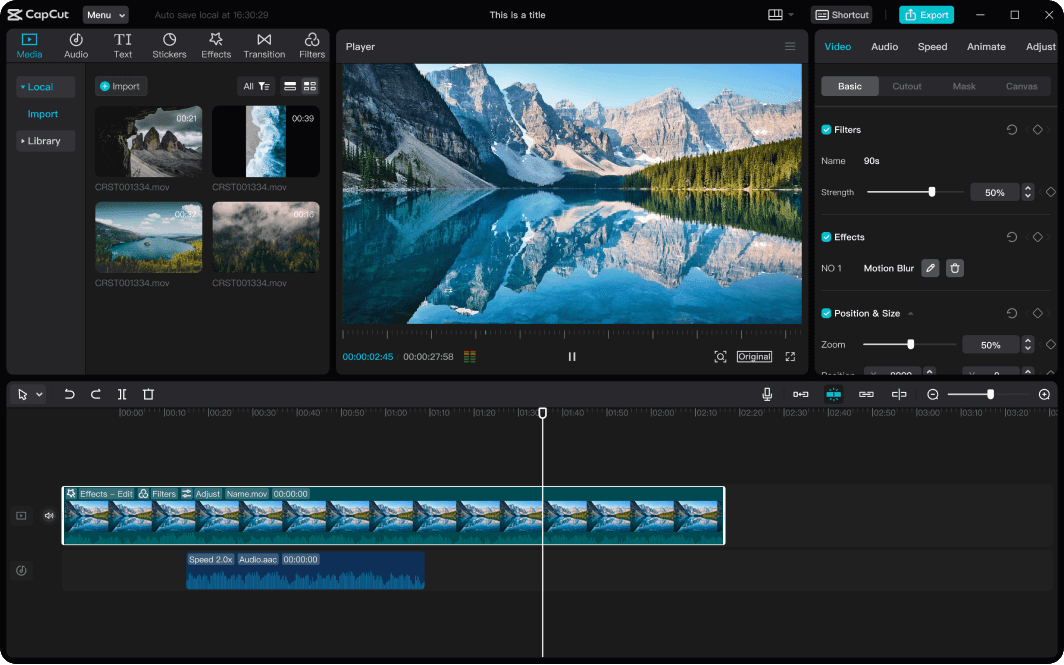
This initiative extends beyond photo albums. In May 2026, 9to5Google discovered that the standalone Gemini app had integrated CapCut video and image editing capabilities directly into its prompt workflows.
When users instruct Gemini to build a montage or edit an existing video clip, the AI assistant no longer relies solely on server-side rendering pipelines that take minutes to spit out a static MP4. It can call upon CapCut’s client-side editing pipeline to execute timeline assemblies, splice raw takes, and insert contextual captions based on Gemini’s natural language transcription.
This division of labor serves both parties:
- Google's Advantage: Gemini supplies the intelligence, scene comprehension, semantic search, and generative effects like Magic Eraser.
- CapCut's Advantage: ByteDance provides the front-end timeline, dynamic audio ducking, sticker libraries, and direct hooks to publish across YouTube Shorts, Instagram Reels, and TikTok.
Google sidesteps the engineering headache of maintaining a full digital video workstation inside Android, while ByteDance embeds its service deep into the mobile operating system's software fabric.
Data Privacy and Ecosystem Trade-offs
The aggressive integration has raised valid questions across developer communities and consumer rights groups. ByteDance has faced sustained regulatory pressure in Western markets regarding data governance and storage practices. Seeing Google, the owner of Android, explicitly steer consumers toward a ByteDance application has generated debate on forums like Reddit and X.
Practically speaking, the video export workflow requires significant device access permissions. Users who tap through Google’s promotional banners are asked to grant CapCut access to local storage, user media libraries, and occasionally microphone hardware for custom voiceover tracks. While power users celebrate the frictionless round-trip editing, where an edited clip exports back into Google Photos without compression artifacts, privacy-focused users question why Google won't provide an unbundled, open-source alternative.
Furthermore, monetization boundaries are blurring. CapCut operates on a freemium model, locking its premium features, high-end optical flow stabilization, and specific visual filters behind a CapCut Pro subscription ($9.99, $19.99 monthly). By nudging users toward a proprietary commercial service, Google Photos shifts from a neutral utility into an acquisition engine for a third-party subscription model.
Frequently Asked Questions (FAQ)
Q1: Does this mean Google Photos is removing its native video editor?
No. The native tools for trimming, cropping, stabilizing, and adjusting basic color profiles remain available locally inside Google Photos. CapCut is surfaced as an expanded option when users look for creative additions, transitions, or multi-clip sequencing.
Q2: Am I forced to install CapCut to save edited clips on Android?
You are under no obligation to install or use CapCut. You can dismiss the UI banner, and the standard Android default editor tools will function as usual. Dismissing the suggestion retains local rendering without sending any data to ByteDance servers.
Q3: How does the Gemini app use CapCut tools?
Gemini utilizes developer extensions to trigger specific editing commands. When you ask Gemini to polish a video or assemble an album recap, it prepares the sequence and uses CapCut’s engine to finalize layout cuts and audio tracks.
The Pragmatic Reordering of Android Software
Google’s decision to elevate CapCut highlights an era of software pragmatism. The tech landscape where platform owners insisted on writing every single component of their consumer application suite has cooled. Monopolizing media playback, gallery storage, and timeline editing inside a single proprietary walled garden is no longer Mountain View's immediate priority.
Instead, the company is securing the foundational infrastructure: the cloud storage where high-resolution files reside, the machine learning models analyzing visual data, and the operating system orchestrating app transitions. ByteDance provides the creative tool that content creators demand. By allowing CapCut to serve as Android's practical creative studio, Google ensures that users stay engaged on their phones, while leaving the fast-paced, high-maintenance battle over creative editing tools to an external market leader.
